

Happy Customers, but Nobody Asks for Reviews? Make It a Tap
You finish a job, and the customer says, "That was great, thank you so much." Then they head out the door, and that's the last you hear about it. Meanwhile your Google profile shows a handful of reviews that don't reflect how many people you actually help.
Most owners don't skip the ask because they don't care. It just feels awkward, and it's easy to forget when the next customer is already waiting. A tap card takes some of that friction out.
What a review tap card actually is
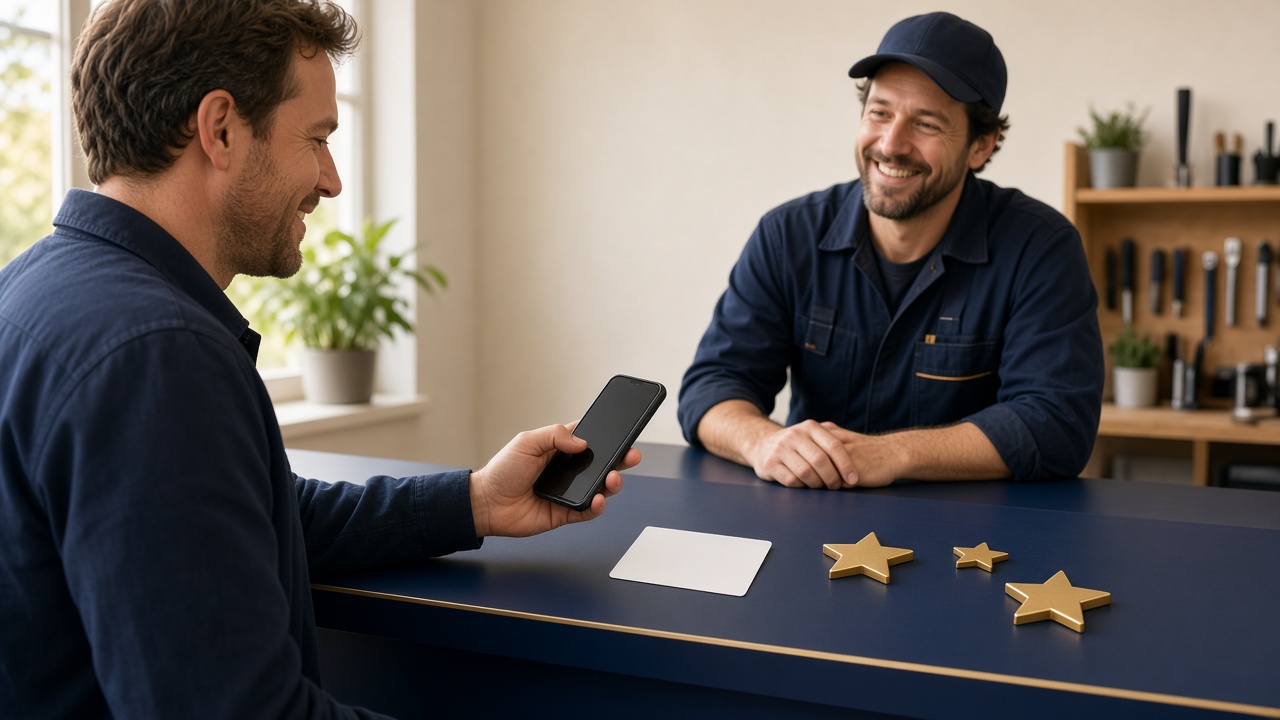
It's a branded card with an NFC chip and a QR code. A customer holds their phone near the card, or scans the code with the camera, and your public Google review page opens. No app to download. No searching for your business name and hoping they pick the right listing.
That's the whole job. The card makes the ask easier while the visit is still fresh. It doesn't write the review, and it doesn't decide what the customer says.
Why the moment matters
A happy customer remembers the details best right after the work is done. A day later, the good intentions are still there, but the steps get in the way: open Google, find the business, find the review button. Every extra step is a chance for someone to drop off.
A card at the counter, in the truck, or tucked in with the receipt shortens that path to one tap, right when the customer is already feeling good about the visit.
Where owners put them
- At the counter or front desk, next to the payment terminal
- Handed over with an invoice, estimate, or receipt
- In a service vehicle, for a tech to offer after finishing a job
- In a leave-behind packet or follow-up message, using the QR code
Pick one or two spots your team will actually use. A card in a drawer does nothing.
What the cards do not do
Here's the honest limit. A card doesn't promise more reviews, and it doesn't promise better rankings. Customers still decide whether to write a review and what to say. Some will tap and move on, and that's their call.
Ask the right way
Google allows businesses to request reviews of genuine experiences, including with a link or QR code. Google does not allow incentives, such as payment, discounts, or free goods or services, in exchange for posting, changing, or removing reviews. Don't selectively ask only the customers you expect to be positive, don't pressure people to review on the premises, and don't tell them what to write.
A light touch works best. Something like: "If you have a minute, this card opens our Google page. No pressure either way." Then say thanks and let them choose.
Check these before you hand them out
- Make sure the card opens the listing customers actually find.
- Look over your name, hours, phone number, and services on that listing.
- Decide who on your team offers the card, and when.
- Test it on an iPhone and an Android phone, both tapping and scanning.
The second item matters more than people expect. A review request sends customers to your public profile, so if the hours are wrong or a service is missing, that's what they see first.
How you get the cards
Review cards are free for qualified businesses after you attend a free visibility check, with your design approval before anything is made. They're also included for new clients, or you can get them on their own. The review cards page has the current details.
The visibility check looks up your business the way a customer would and records what shows up, so you'll see how your listing reads before you send people to it.
Quick answers
Do customers need an app?
No. Phones with NFC can tap the card, and any phone camera can scan the QR code. Either one opens your Google review page.
Will the cards get me more reviews?
They make the ask easier, and that's all we'd claim. Whether a customer writes a review is up to them, and so is what they write.
Does the card filter out unhappy customers?
No. The card opens the public Google review page for anyone who taps it. Offer it to your customers evenly, not just the ones you expect to be happy.
Ready to make the ask a tap? See branded review tap cards and check what's included for your business.